

Published on: 10/27/2026
This news was posted by JC News


Description
ODFW release - Upcoming voluntary electronic logbook training opportunities: Starting February 1, 2027, all vessels participating in Oregon’s ocean commercial crab fishery are required to have a functioning electronic monitoring (EM) system that automatically records vessel location and the location of individual pots using hydraulic pressure sensor readings. ODFW will make an electronic logbook that integrates with EM available for voluntary use by December 1, 2026. The electronic logbook will improve the quality, speed, and usability of data received by ODFW, while lessening the recordkeeping burden for fishery participants. Those who choose not to use the electronic logbook application will be required to maintain a paper logbook. The application developer, Harbor Light Software, and ODFW will hold four training sessions for those that are interested in learning about the electronic logbook application. Trainers will provide a demonstration of how to use the logbook application. For those unable to attend training sessions in person, a recording will be posted on the EM webpage after the training session. Training session times and locations: Astoria, Tuesday, October 27th – 11:30am-2:30pm, Astoria Public Library, 450 10th St., Astoria, OR 97103; Brookings, Wednesday, October 28th – 1-4:30pm, Brookings Elks Lodge #1934, 800 Elk Dr., Brookings OR 97415; North Bend, Thursday, October 29th – 1-4:30pm, North Bend Public Library, 1800 Sherman Ave., North Bend, OR 97459. Reasonable accommodation, such as assistive hearing devices, sign language interpreters, and materials in large print or audiotape, will be provided as needed. To ensure availability, please contact the Marine Resources Program Office at 541-867-4741 at least 72 hours prior to the meeting to make your request. TTY users can reach ODFW by using the Oregon Telecommunications Relay Service. Please dial 711 and ask to connect to 541-867-4741. To get the most out of the electronic logbook training session, please make sure you have done the following: Set up and activate your VMS unit through your EM system provider. Download the “ODFW Dungeness Crab eLogbook” app from your device's app store. The app icon will look like one of the images below. ODFW Electronic Logbook Application Icons. NOTE: Do not download the version with “EVAL” in the app title or icon. Open the app, press the “+ ACCOUNT” button, and enter your information to create an app account. Press the “CONFIGURE” button and enter vessel and VMS unit information. If you’re unable to set up an app account in advance, assistance will be available at the training. We recommend using a dedicated tablet for the electronic logbook app and not a cell phone. PLEASE NOTE: If using a LIME VMS unit, you must send an email to Aileen Smith at Pacific States Marine Fisheries Commission ([email protected]) that states: "I authorize that the data from my LIME unit be shared to the Oregon electronic logbook application." Include your LIME serial number, vessel name, and federal document number (coast guard vessel number) or state registration number. If using a Boat Command VMS unit, this step is not needed. If you have questions about EM or electronic logbooks, contact the EM Program at 541-857-2522 or [email protected].
Other Related News
10/27/2026
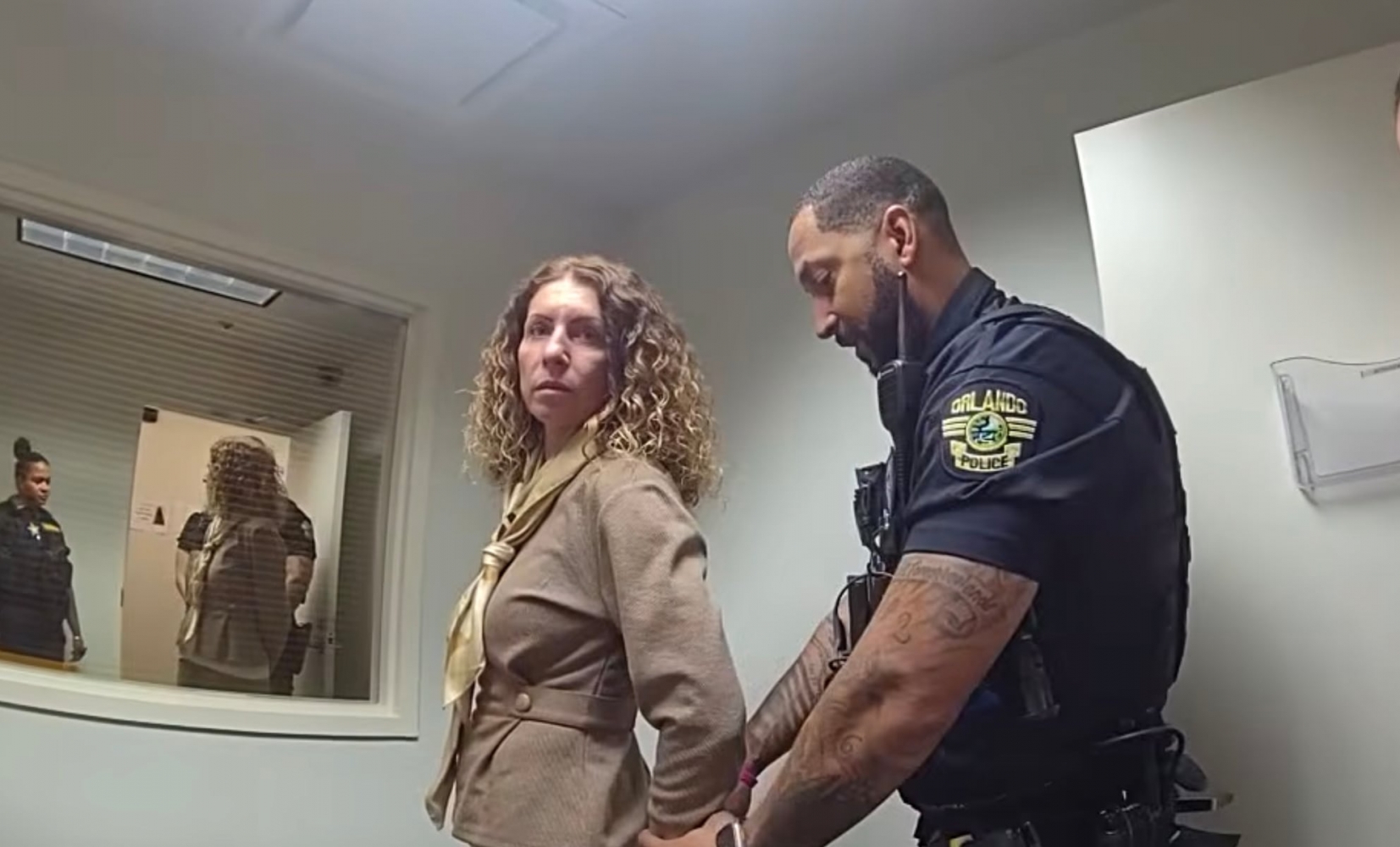
Police say a Florida mom has been arrested after leaving her four kids home alone as she w...
10/27/2026
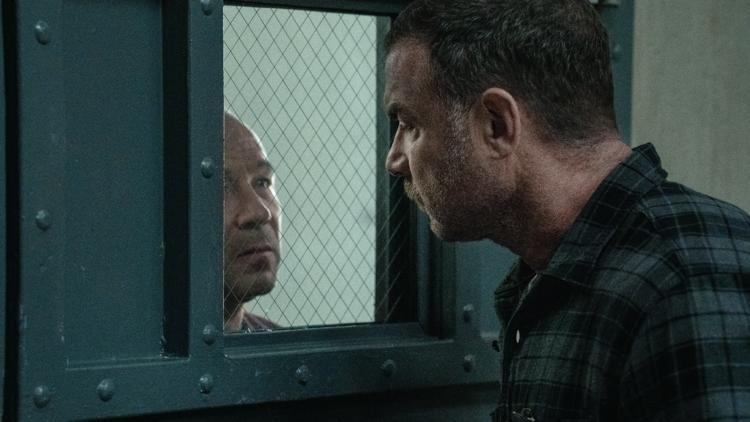
Liev Schreiber Zazie Beetz Stephen Graham and Rory Culkin preview crime thriller Nocturne ...
10/27/2026
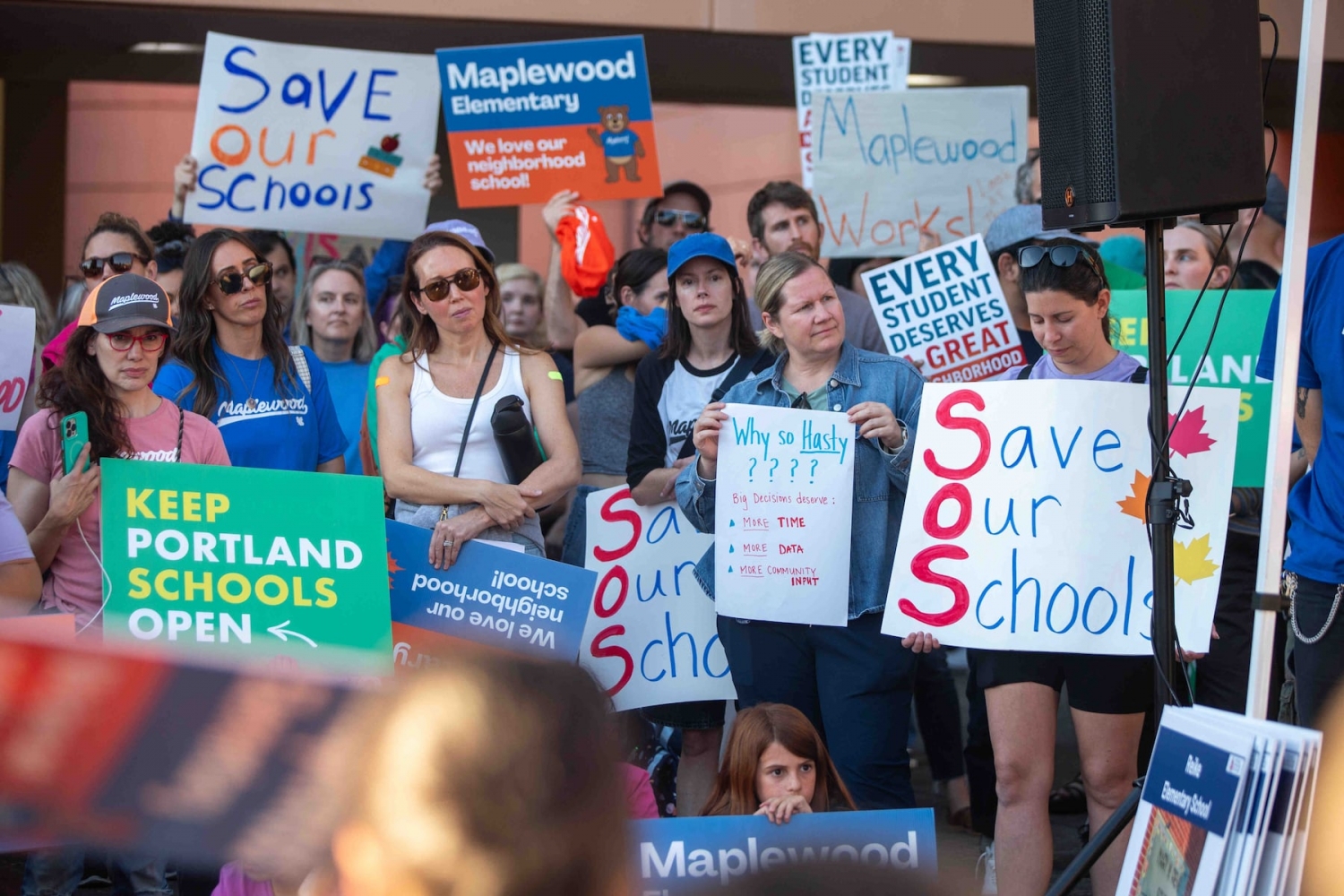
Seismic safety was not a key driver when coming up with a list of both potential school bu...
10/27/2026
Proposition 12 and 13 go hand in hand If approved the former pays primarily for infrastruc...

10/27/2026
Michael Chiklis previews his villainous role in The Mongoose starring Liam Neeson which op...

Follow

Download Our App


Copyright 2022 © EPUERTO. All Rights Reserved